Detect smartphones, unauthorized viewers, and unattended screens in real time — and trigger policy-based protection automatically.
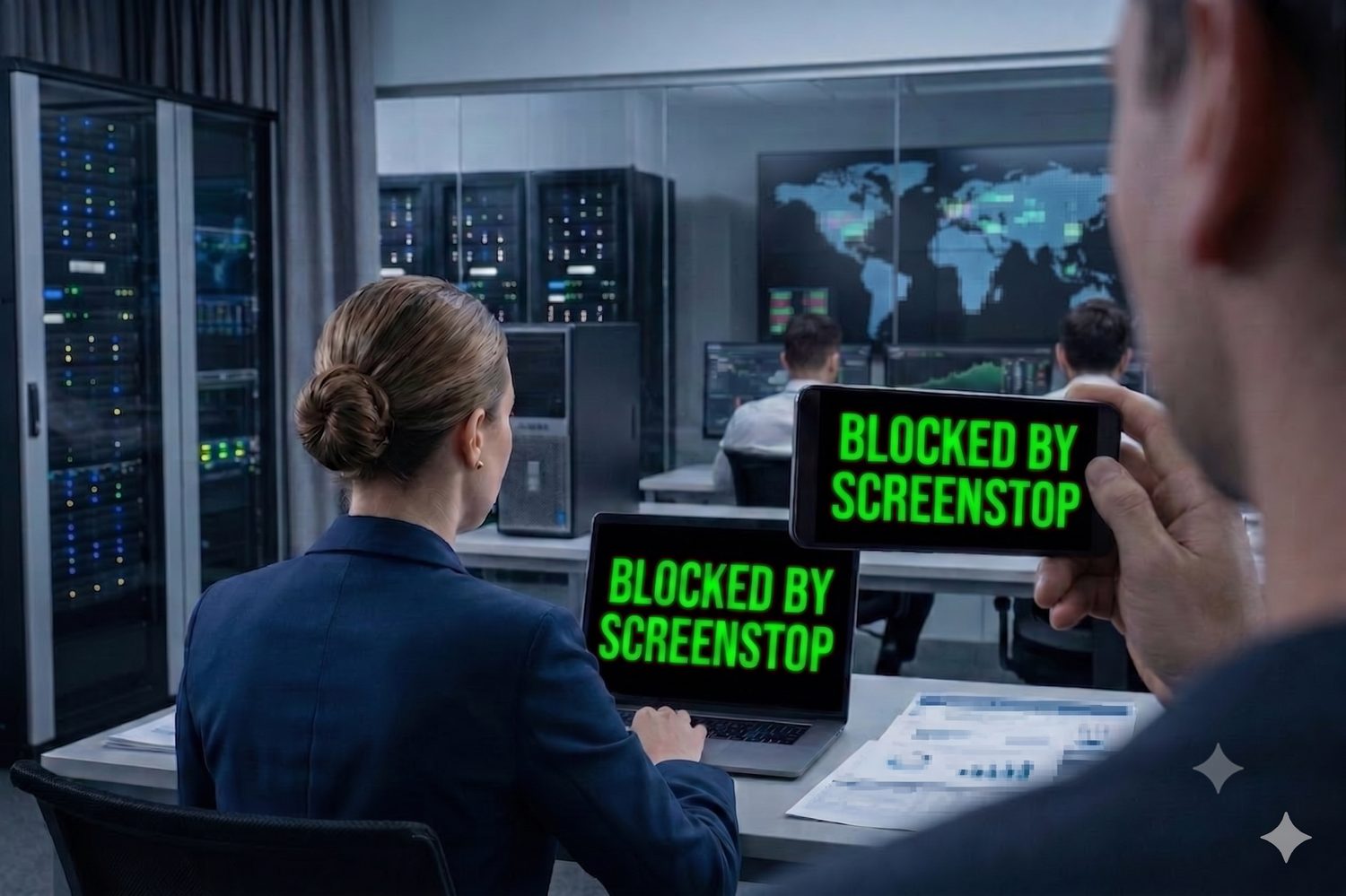
Smartphone cameras pointed at screens bypass every digital control — firewalls, DLP, encryption, access logs.
// Traditional security tools monitor data in transit. They cannot see what a phone camera captures from a screen.
Where existing DLP stops
Once sensitive data appears on a screen — no existing tool can stop it.
Air National Guardsman Jack Teixeira sentenced to 15 years in prison for using his personal phone to photograph classified Pentagon documents, bypassing all digital transfer logs.
// Source: U.S. Department of Justice, 2024
Oleg Artemyev removed from NASA Crew-12 mission after allegedly photographing confidential SpaceX technical documentation with his smartphone during a briefing.
// Visual exfiltration bypasses digital controls regardless of classification level.
Policies
"Don't take photos"
× UNENFORCEABLE
Phone Bans
Confiscate all devices
× IMPRACTICAL (REMOTE WORK)
Privacy Screens
Physical filters
× DOESN'T STOP CAMERAS
"Increasing adoption of BYOD in organizations is a major data loss prevention market trend... Security measures alone are not enough to prevent these threats."
— FORTUNE BUSINESS INSIGHTS, 2025
The threat vector is a phone camera pointed at a screen.
The detection layer is the computer's existing webcam, paired with on-device AI.
THREAT VECTOR
Phone camera aimed at screen
No digital trace. Bypasses firewalls, DLP, encryption, and access logs.
DETECTED BY
DETECTION LAYER
Existing laptop webcam + on-device AI
No new hardware. Runs entirely on the endpoint. Triggers policy response before capture.
Four independent detection layers, each triggering a policy-defined response
// Detection triggers a policy-defined response before data is captured.
LAYER 1: Detects smartphones in capture position and triggers instant protection.
LAYER 2: Locks screen when unauthorized face detected at workstation.
LAYER 3: Auto-locks when user leaves workstation unattended.
LAYER 4: Detects multiple persons watching screen and triggers immediate lock (2 seconds).
Webcam Monitors
Computer camera continuously scans environment
On-Device AI Model
Identifies camera optics, faces, and presence in real-time. <3% CPU on standard hardware
Instant Response
Screen blurs or logs event based on mode
Audit Trail
All events logged for compliance reporting
Real-world protection for organizations handling sensitive data
Insider trading prevention, compliance with trading floor regulations, protection of proprietary algorithms and financial data.
BANKS • TRADING FIRMS • FINTECH
HIPAA violations prevention, patient data protection, PHI security for remote healthcare workers and telemedicine providers.
HOSPITALS • CLINICS • TELEMEDICINE
Secure sensitive citizen data, prevent leaks in inter-agency communications, and ensure compliance with federal privacy standards.
FEDERAL AGENCIES • MUNICIPALITIES • PUBLIC SECTOR
Attorney-client privilege protection, NDA compliance, confidential client data security, M&A deal protection.
LAW FIRMS • ACCOUNTANTS • CONSULTANTS
Customer PII protection, credit card data security, PCI DSS compliance for payment processing environments.
CUSTOMER SERVICE • BPO • SUPPORT CENTERS
Classified information protection, security clearance environments (SCIF), and air-gapped security for mission-critical operations.
DEFENSE CONTRACTORS • INTELLIGENCE • CLASSIFIED ENVIRONMENTS
ScreenStop helps organizations meet specific regulatory requirements that demand technical controls for physical screen protection
Clear Screen & Clear Desk Policy
"Protection of information on facilities and information processing facilities by implementing clear desk and clear screen rules."
ScreenStop implements a technical control for clear screen policy enforcement in remote and hybrid environments where physical measures are not practical — providing the enforceable, automated layer that policy documents alone cannot.
Security of Processing
"Implement appropriate technical and organisational measures to ensure a level of security appropriate to the risk."
Article 32 requires technical measures alongside organizational ones. ScreenStop closes the screen exposure gap at the workstation — the layer most organizational controls don't reach.
Workstation Security
"Implement physical safeguards for all workstations that access electronic protected health information."
ScreenStop implements workstation security controls under 164.310(c), providing automated screen protection in the remote and hybrid environments where physical safeguards are not deployable.
HIPAA 2026 COMPLIANCE BRIEF →Physical Access Control
"Restrict physical access to cardholder data... Video cameras and/or access control mechanisms to monitor sensitive areas."
ScreenStop extends physical access controls to remote workstations — protecting cardholder data from visual exfiltration in environments that fall outside traditional perimeter security.
Just as email DLP protects email and cloud DLP protects uploads, Screen DLP protects what's on the screen.
PRIVACY-FIRST • AIR-GAPPED CAPABLE • ON-DEVICE AI • NO VIDEO DATA LEAVES THE DEVICE
Everything you need to know about Screen DLP
Physical privacy screens only block side viewing angles and do nothing against cameras. ScreenStop is a Screen DLP solution that uses AI to detect optical sensors and unauthorized viewers in real time.
No. The detection model runs entirely on the local endpoint with under 3% CPU utilization on standard enterprise hardware. There is no cloud processing, no background upload, and no noticeable impact on workstation performance.
When ScreenStop's AI identifies camera optics in frame, it triggers the configured policy response — either screen blur or full blackout — depending on your organization's settings. The response occurs before a usable image can be captured.
No video or image data ever leaves the device. All computer vision processing runs 100% locally on the endpoint. Event metadata (timestamps, detection type) may be transmitted to the enterprise dashboard for audit purposes — no visual data is included. This architecture supports GDPR and ISO 27001 data minimization requirements.
Yes. Because detection runs entirely on the local endpoint, ScreenStop operates in air-gapped environments with no internet connectivity required. Event metadata can be exported to your SIEM or logging infrastructure on a schedule or via local network.
ScreenStop continuously monitors the screen perimeter. If the authorized user leaves and an unauthorized person is detected, the system triggers an immediate lockdown to prevent visual theft while the workstation is unattended.
ScreenStop logs all detection events with timestamps, detection type, and workstation ID. In high-sensitivity configurations, the system can capture an encrypted detection image for audit purposes — no raw video is stored. Event logs are available for export to your SIEM, and can support compliance reporting under ISO 27001, HIPAA, and PCI DSS.
No. ScreenStop is designed to work with standard webcams found on modern enterprise laptops, making it a highly scalable, software-only deployment.
ScreenStop is available for macOS and Windows, providing a unified Screen DLP layer across the entire corporate fleet.
Protect your most vulnerable security layer.
QUESTIONS? EMAIL US AT SUPPORT@SCREENSTOP.CO