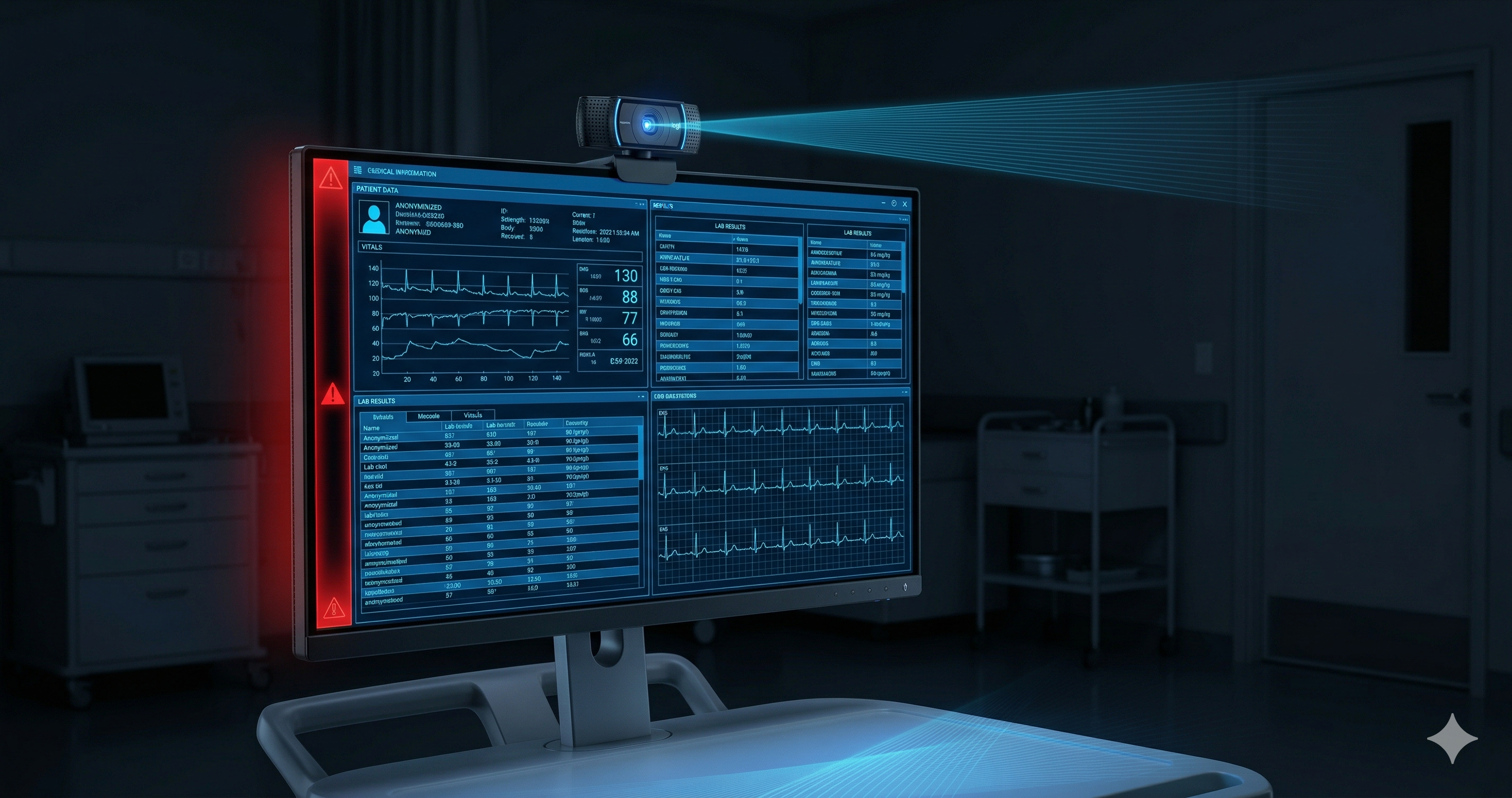
The Health Insurance Portability and Accountability Act has been the cornerstone of healthcare data protection in the United States since 1996. Its Security Rule, established in 2003, set the framework for protecting electronic Protected Health Information (ePHI). But as healthcare technology has evolved — from on-premises EHR systems to cloud-based platforms, remote clinical work, and AI-assisted diagnostics — the regulations have struggled to keep pace.
In 2024 and into 2026, the Department of Health and Human Services (HHS) has been advancing significant updates to the HIPAA Security Rule, representing the most substantial revision in over two decades. For healthcare organizations, the implications are significant — particularly around workstation security and physical access controls. PHI on screen protection has become the most significant compliance gap in healthcare data security: digital channels are locked down, but the screen itself remains unmonitored.
What Is Changing in HIPAA's Security Rule
Stronger Technical Safeguard Requirements
The updated rules move away from "addressable" specifications — which gave organizations flexibility in implementation — toward more prescriptive requirements. Organizations will be required to implement specific technical controls rather than simply documenting why they chose alternatives.
Enhanced Workforce Access Controls
Access to ePHI must be more tightly controlled, with multi-factor authentication requirements, session management controls, and automatic session termination for inactive workstations. The HIPAA screen timeout requirements under §164.312(a)(2)(iii) — previously "addressable" — become fully mandatory. Organizations must implement and document a specific inactivity timeout, not simply reference a policy that one exists.
Workstation Security — The Physical Layer
HIPAA's existing provision at 45 CFR § 164.310(c) requires organizations to "implement physical safeguards for all workstations that access electronic protected health information." The 2026 updates strengthen this requirement and make clear that physical safeguards include controls over who can view a screen — not just who can physically access a device.
The Screen Exposure Problem in Healthcare
Healthcare environments are particularly vulnerable to visual data exposure. Consider the typical environments where ePHI appears on screens:
Clinical Workstations
Nurses' stations, physician workrooms, and shared clinical terminals often display patient records, medication orders, and diagnostic results. These screens are frequently visible to other patients, visitors, and non-clinical staff. Clinical workstation privacy requires more than a badge reader — it requires real-time detection of who is viewing the screen and whether a camera is present.
Telemedicine and Remote Work
Remote healthcare workers — clinical staff, billing teams, and care coordinators — access ePHI from home offices, shared workspaces, and mobile environments. The physical environment around these screens is completely outside the organization's control. Telemedicine screen security compliance requires technical enforcement at the endpoint, not physical safeguards that no longer apply.
Administrative Environments
Billing, coding, and health information management teams work with highly sensitive ePHI daily. Open-plan offices, shared workstations, and visible screens create persistent screen exposure risks.
The Photography Risk
Smartphones are ubiquitous in healthcare environments. Staff members routinely use personal devices for legitimate purposes — and occasionally photograph screens to share information quickly, consult with colleagues, or document issues. Both external bad actors and the insider threat — staff members who photograph screens for convenience or with malicious intent — represent the same unmonitored risk. Each photograph of a screen containing ePHI is a potential HIPAA violation — and entirely invisible to traditional security tools. For healthcare organizations, the practical question is: how do you prevent employees from photographing patient records on screens — not just ask them not to?
Why Traditional Controls Don't Fully Address HIPAA's Physical Safeguard Requirements
Privacy Screens (Physical Filters)
Physical privacy filters reduce side-angle viewing but provide no protection against cameras pointed directly at the screen. A smartphone positioned in front of a privacy-filtered screen can still capture the full display content.
Screen Lock Policies
A HIPAA compliant screen lock must do more than trigger after inactivity. Automatic logoff addresses only the unattended workstation scenario. It does nothing to prevent screen photography or shoulder surfing while the authorized user is active — the majority of visual PHI exposure incidents happen with the session open.
Camera Bans
Prohibiting cameras or smartphones in clinical areas is impractical in most healthcare environments and entirely unenforceable in remote work contexts.
Policy Documents
A clear screen policy satisfies the organizational measure requirement under HIPAA but does not constitute a technical control. HIPAA's updated requirements increasingly distinguish between organizational measures (policies, training) and technical measures (software controls, automated enforcement).
What HIPAA's Physical Safeguard Requirement Actually Demands
HIPAA 45 CFR § 164.310(c) states: "Implement physical safeguards for all workstations that access electronic protected health information, to restrict access to authorized users."
The key phrase is "restrict access." A policy that says "don't photograph screens" does not restrict access — it requests compliance. A technical control that detects and responds to unauthorized viewing or photography of a screen provides a meaningful enforcement layer in support of that requirement.
For remote work environments — where physical controls like locked rooms and monitored access are impossible — a software-based technical control operating at the endpoint is the most viable path to demonstrating compliance intent. ePHI endpoint controls that operate at the screen level — not just the network or file system — are what the updated HIPAA framework is specifically designed to require.
Screen DLP as a Supporting Control for HIPAA
Screen DLP technology can support HIPAA's physical safeguard requirements by implementing automated, real-time detection and response for screen exposure events at the workstation level.
A Screen DLP solution running on a clinical workstation or remote healthcare worker's laptop can:
- Detect a smartphone positioned to photograph the screen and immediately blur or lock the display
- Block phone cameras from capturing ePHI on clinical workstations in real time — without requiring camera bans or behavioral policies
- Identify unauthorized individuals viewing the screen and trigger an automatic lockdown
- Monitor for unattended screens with ePHI visible and apply automatic session protection
- Generate a complete audit trail of screen exposure events for HIPAA documentation purposes
Critically, this processing occurs entirely on the local device — a design requirement that preserves endpoint privacy and ensures no patient video or imaging data ever leaves the workstation. No video or image data is transmitted to cloud services, supporting HIPAA compliance for the monitoring mechanism itself.
Documentation and Audit Trail Requirements
HIPAA's updated Security Rule places increased emphasis on documentation and audit capability. Organizations must demonstrate not only that controls exist but that they are functioning effectively.
Screen DLP solutions provide a timestamped, encrypted audit log of all screen threat detection events — including the type of threat detected, the workstation involved, the time, and the response triggered. This audit trail supports:
- HIPAA Security Rule compliance documentation
- Breach investigation and forensic analysis
- Workforce training and accountability programs
- Risk assessment evidence
Preparing for HIPAA 2026 Compliance
Healthcare organizations reviewing their HIPAA compliance posture for 2026 should assess whether their current workstation security controls address visual data exposure. Specific questions to evaluate:
- Do you have a technical control that helps prevent screen photography of ePHI?
- Can you detect and respond to unauthorized viewing of clinical workstations?
- Do you have an audit trail of screen exposure events at remote workstations?
- Can you demonstrate that workstation physical safeguards apply to remote work environments?
If the answer to any of these is "no" or "only through policy," your organization may have a gap that HIPAA's updated requirements are specifically designed to address. Screen DLP software provides the technical workstation safeguard that policy alone cannot.