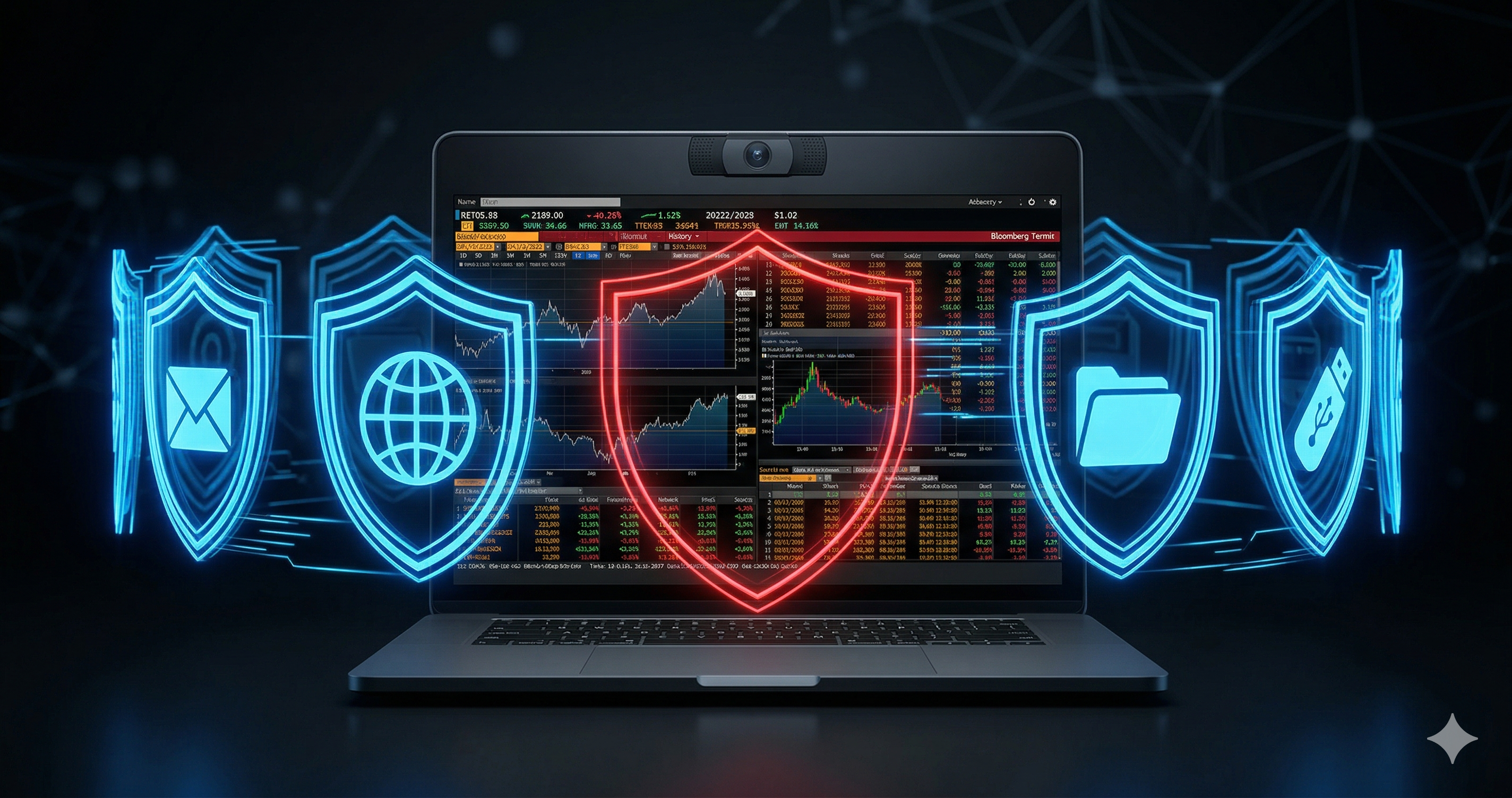
Data Loss Prevention tools have existed for over two decades. Organizations spend millions annually on DLP platforms from vendors like Microsoft Purview, Forcepoint, Symantec, and Zscaler. These tools have become sophisticated — scanning emails, monitoring file transfers, inspecting network traffic, and flagging policy violations in real time.
And yet, data still leaks. Every day. In plain sight.
The reason is simple: legacy DLP was built for a digital world, but data leaks happen in the physical world too.
What Legacy DLP Actually Protects
Traditional Data Loss Prevention tools operate on one fundamental assumption: that sensitive data moves through digital channels. They monitor and control:
- Email attachments and body content
- File transfers to USB drives or cloud storage
- Network traffic and web uploads
- Print jobs and clipboard activity
- Endpoint file activity and access logs
These controls are valuable and necessary. A well-configured DLP platform can prevent an employee from emailing a customer database to a personal Gmail account, or uploading source code to Dropbox.
But they all share one critical blind spot: they only protect data that moves through digital channels.
The Gap No DLP Tool Addresses
Consider this scenario. An employee opens a confidential financial report on their workstation. They read it on screen. Then they pick up their smartphone and photograph the screen.
At this moment:
- No file was transferred
- No email was sent
- No USB was plugged in
- No network traffic was generated
- No DLP alert was triggered
The data left the organization completely invisibly. Legacy DLP saw nothing. This is the visual data leak that no amount of email DLP, endpoint DLP, or cloud DLP investment can prevent.
This is the screen data exfiltration gap — and it is present in every organization that relies solely on traditional DLP tools.
How Visual Data Leaks Actually Happen
Screen data exfiltration is not a theoretical threat. Security researchers and enterprise security teams encounter it regularly in several forms:
Screen Photography
Employees, contractors, or visitors use smartphones to photograph screens displaying sensitive data. This includes financial data, customer records, source code, strategic documents, and compliance-sensitive information. The photograph bypasses every digital control.
Shoulder Surfing
Unauthorized individuals — colleagues, visitors, or malicious actors — observe screens from a distance or over the shoulder of the authorized user. In open-plan offices, trading floors, and shared workspaces, this is a persistent and largely unmonitored risk.
Unattended Screens
Employees leave workstations with sensitive data visible on screen. Without automatic visual detection, the screen can remain exposed for extended periods — accessible to anyone who passes by.
The LLM Photography Problem
A newer and rapidly growing variant: developers photograph their screens to share code or data with AI language model tools. This behavior is increasingly common and often not malicious — but it creates a significant data leak vector that no legacy DLP tool can detect or prevent. It is now one of the most common ways sensitive data leaves engineering organizations — a screen photography leak that bypasses every digital control in the stack.
Why Policies Alone Are Not Enough
Most organizations respond to visual data leakage risks with policy. "No photography of screens." "Clear desk and clear screen policy." "Smartphones prohibited in sensitive areas."
These policies are correct in intent but unenforceable in practice. They rely entirely on human compliance and have no technical enforcement mechanism. When organizations attempt to enforce them, the result is typically:
- Occasional disciplinary action after a breach is discovered
- No prevention — only post-incident response
- No audit trail of screen exposure events
- No measurable reduction in risk
Regulations including ISO 27001 Annex A 7.7, DORA Article 6(2), and HIPAA 45 CFR § 164.310(c) explicitly require technical controls for workstation and screen security — not just policies. A policy document does not satisfy a technical control requirement.
The Screen DLP Category
Screen DLP addresses the gap that legacy DLP leaves open. Rather than monitoring digital data channels, Screen DLP monitors the physical environment around the screen using the device's existing webcam and on-device AI processing.
A Screen DLP solution detects:
- Smartphones positioned in camera-capture orientation near a screen
- Unauthorized individuals viewing a screen
- Authorized users leaving a workstation unattended with sensitive data visible
When a screen threat is detected, the system responds in real time — blurring or locking the screen before data can be captured — and logs the event for audit and compliance purposes.
Critically, Screen DLP operates entirely on the local endpoint. No video or image data leaves the device. All processing runs entirely on the local endpoint, making it suitable for air-gapped environments and compliant with GDPR and other privacy regulations.
Completing the DLP Stack
Legacy DLP tools are not obsolete — they remain essential for protecting digital data channels. But they were never designed to address screen exposure, and they cannot be retrofitted to do so.
A complete data loss prevention strategy in 2026 requires both layers:
- Digital DLP — protecting files, email, network, endpoints
- Screen DLP — protecting the screen itself from optical capture and unauthorized viewing
Without the screen layer, every organization has a gap in its DLP coverage — regardless of how mature its traditional DLP deployment is. Screen DLP software closes this gap without replacing existing tools.